Focus Dock: The Ultimate Universal Search & Productivity Launcher
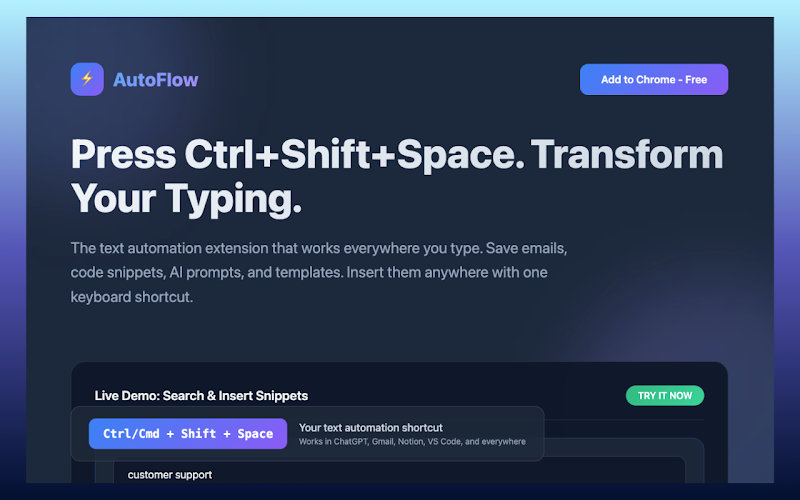
Stop digging through hundreds of tabs. Focus Dock is the fastest Universal Search and Tab Manager for Chrome. Press ⌘+. (Cmd+Period) from any webpage to instantly launch your command center. No signup, no configuration—just pure productivity.
Why Focus Dock is the #1 Productivity Launcher: Our "Zero-Setup" architecture means you are productive the second you install. Whether you need a bookmark manager, a tab search tool, or a quick notes app, Focus Dock handles it all through a single, keyboard-first interface.
🚀 Core Features (100% Free):
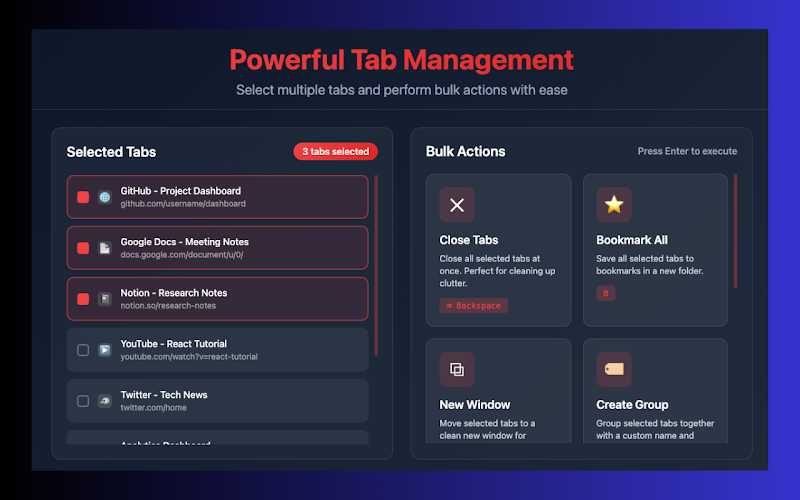
• Instant Universal Search: Find open tabs, bookmarks, and browser history with lightning-fast fuzzy matching (even with typos). • Tab Management & Groups: Use /groups to organize your workspace or /autogroup to sort tabs by domain instantly. • Quick Notes: Type /note to capture ideas without leaving your current page. • Reading List: Save any article with ⌘+Shift+S and access it later with /read. • Workspaces: Save and restore entire tab sessions for different projects using /save. • Clipboard History: Access your recently copied links and text using /clip.
⚡ Smart Commands for Power Users: Focus Dock turns your browser into a command line. Navigate like a pro with 100% keyboard support:
• /github — Instantly see all open GitHub tabs. • /workspaces — Switch between project sessions. • /index — Rebuild your local search index for real-time results.
🔒 Privacy-First Design:
• Everything Stays Local: Your history, notes, and search data never leave your browser. • No Accounts Required: Start using all core features immediately without a login. • No Tracking: We believe your browsing data belongs to you.
Free vs. Pro (Flagship Access): Focus Dock is free to use forever with all core features included. Upgrade to Pro for unlimited workspaces, unlimited notes, 100 clipboard history items, and visual tab thumbnails.
Perfect for:
• Developers managing complex documentation and dozens of tabs. • Researchers building a Second Brain and gathering resources. • Students switching between multiple project workspaces. • Power Users who want to work at the speed of thought.
Stop wasting time switching tabs. Experience the power of a universal browser launcher. Install Focus Dock and press ⌘+. now.